How do you set up your company?
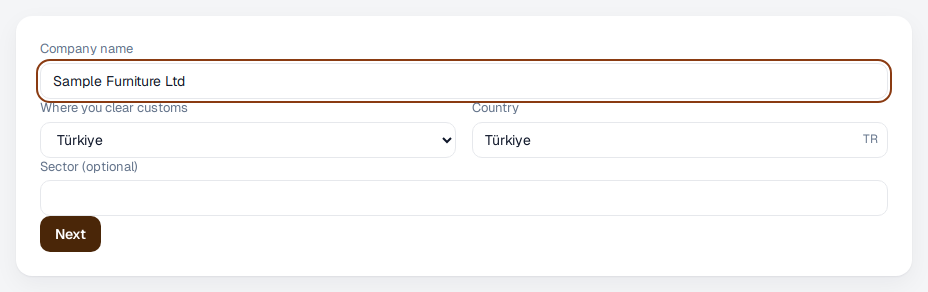
In the first step you give your company's name and where you clear customs. Eximcast picks the tariff and the rules that apply from that.
- Type your company's name. The name you signed up with is already filled in.
- Under “Where you clear customs”, choose Türkiye, the European Union or the United States.
- Check the country. If you clear customs in the European Union, type the country's two-letter code, for example DE for Germany.
- Add your sector if you like, and press “Next”.