

How do you check your codes and lanes?
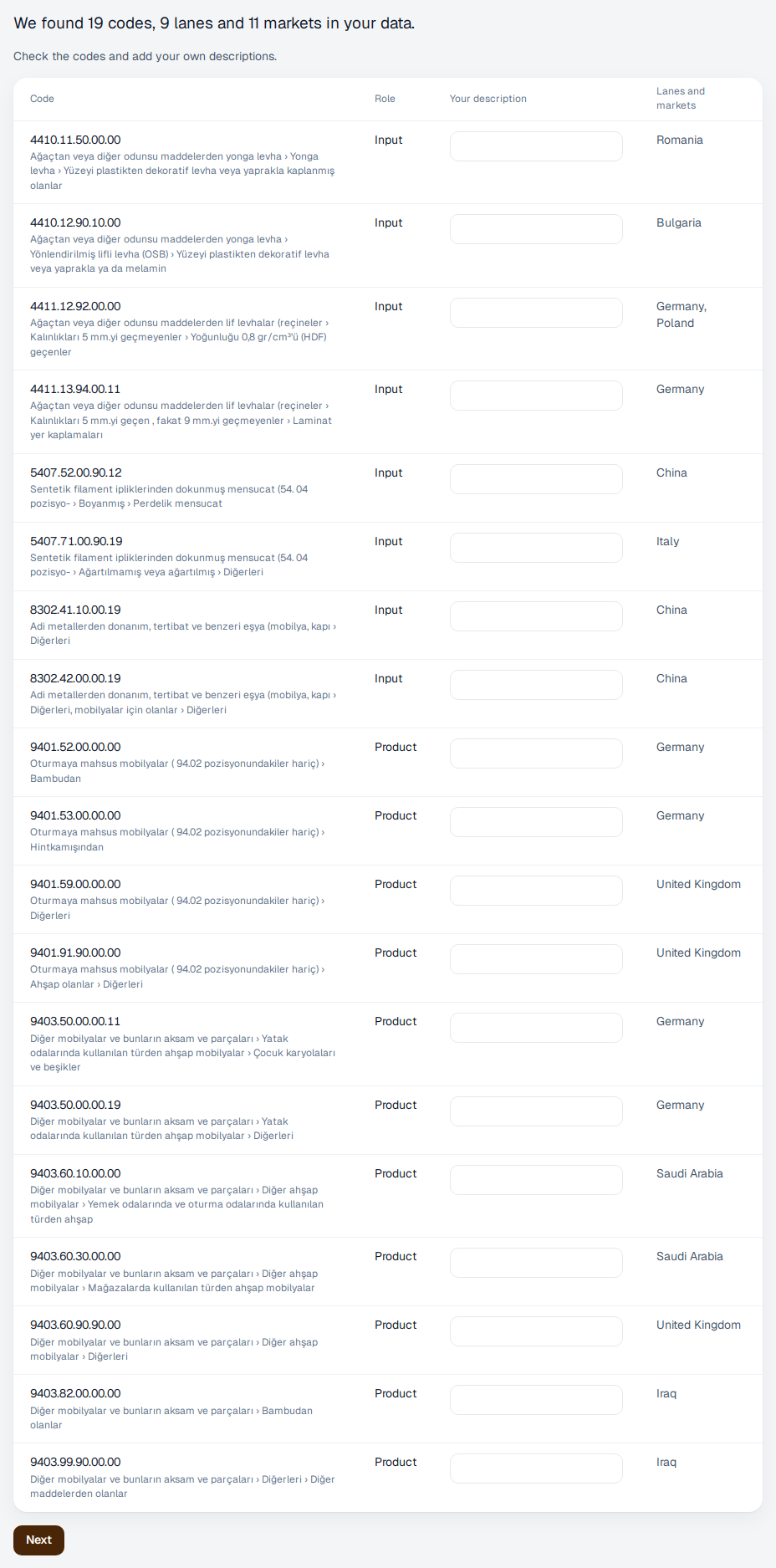
From your file we take the tariff codes you import and the origins of each. A product coming from one origin is what we call a lane; we work out the cost of each lane separately.
- Check your codes in the list, and the origins of each code.
- Under “Your own description”, write the name you use for the product, for example “ball bearings” or “MDF board”. Your screens show this name.
- If everything is right, press “Next”.
If you have more codes than your plan covers, we keep the codes you trade most and say so on screen. To keep them all, you can move to the next plan up.