

Where do you change your company's details?
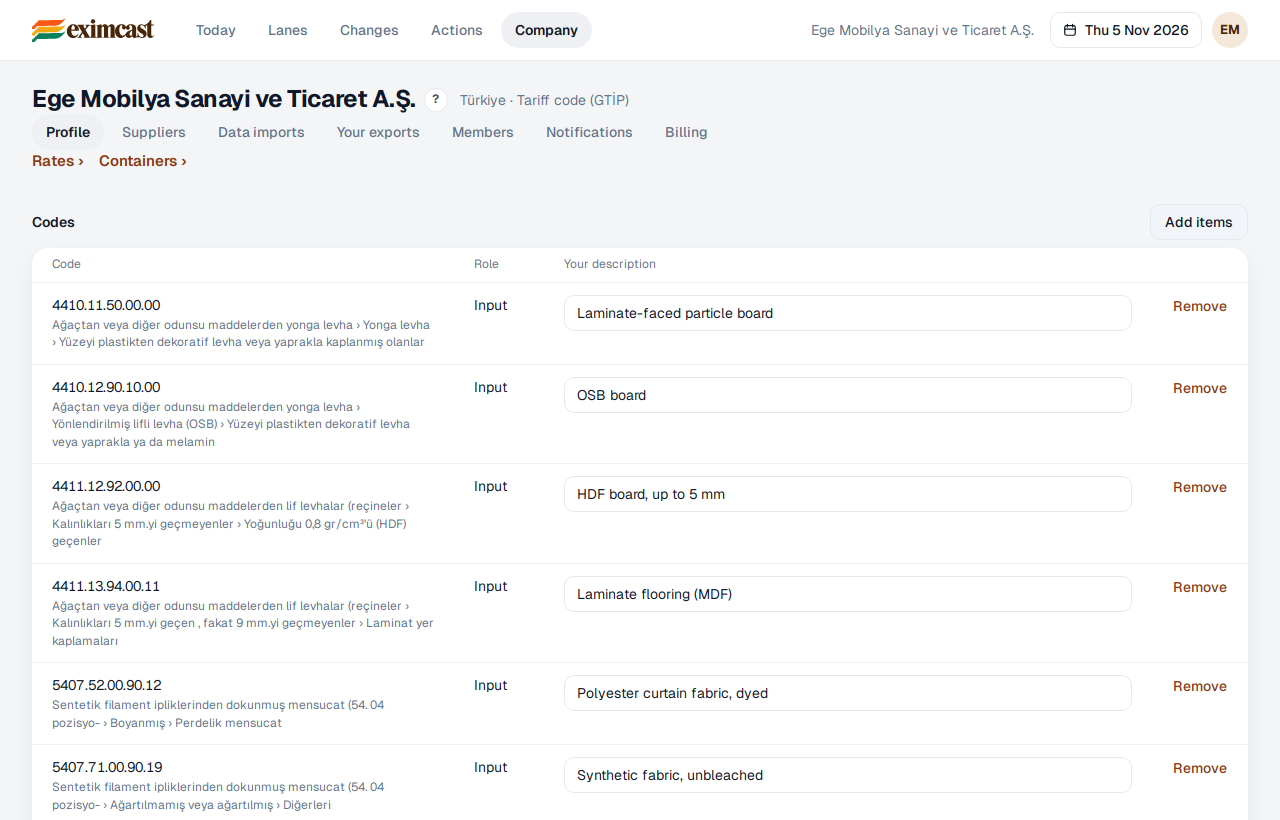
The Company screen holds everything Eximcast knows about your company: your codes, lanes, suppliers, certificates and the files you've uploaded.
- Profile: your codes (input or product) and your own descriptions, your lanes (import or export, code and country), and your regimes, permits and certificates. Press “Add items” for new items.
- Suppliers: your suppliers' names, countries and the codes they supply you.
- Data imports: new customs declarations, bills of materials, shipments and freight quotes. Your earlier imports are listed here too.
- Your exports: the products you sell, your buyers and markets, and your competitors in each market.
- The “Rates” and “Containers” links above Profile open the rates that apply to your codes and the units per container.
Members, Notifications and Billing have pages of their own. To change anything, you need to be an analyst or an owner.